

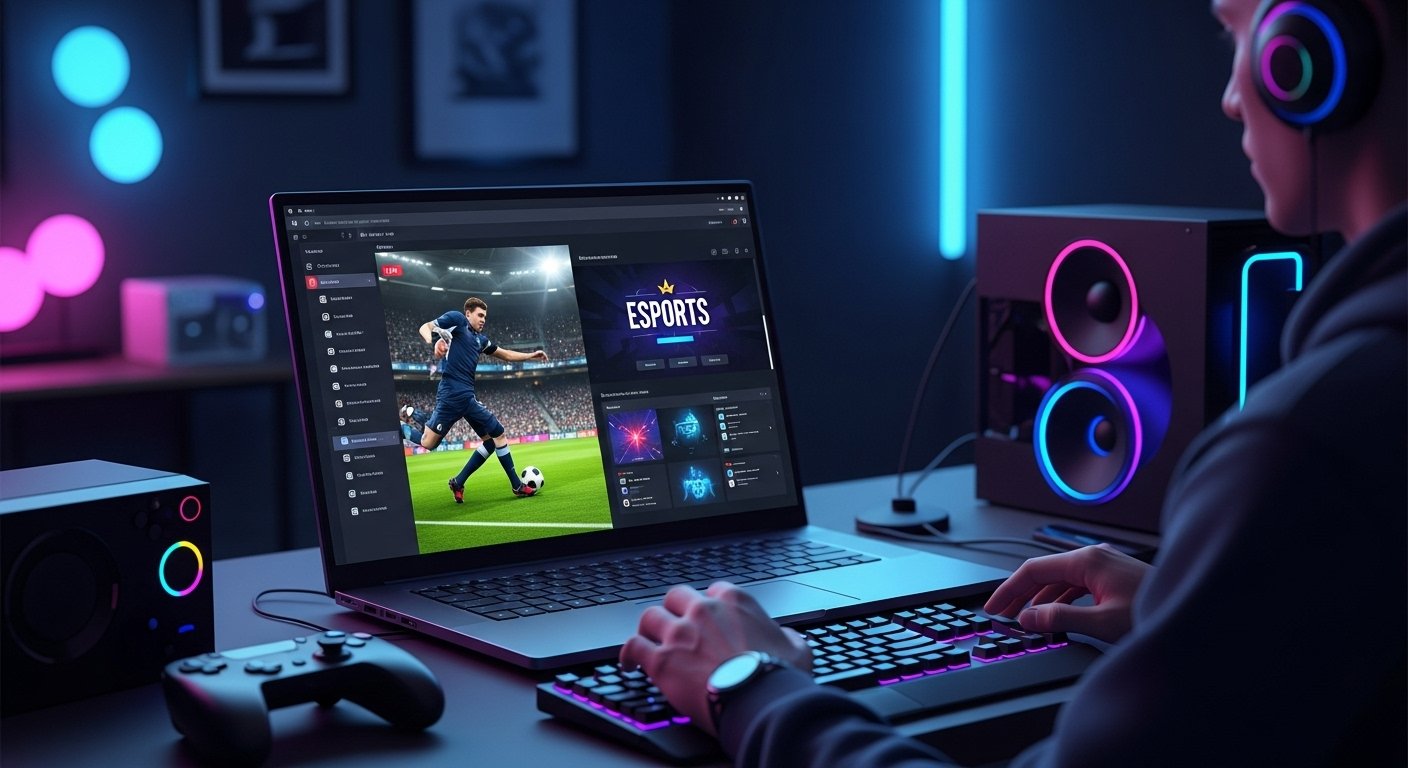
You know the moment. The match is tied. Final minutes. Your Discord is screaming. You click a stream link… and boom buffering. Or worse, a sketchy pop-up hijacks your tab.
That’s usually when VIP Box enters the chat.
VIP Box has become one of the most searched names in live sports and esports streaming — especially among gamers who don’t want to miss clutch moments, tournament finals, or late-night matches. But what exactly is VIP Box, why is it so popular, and is it actually worth using is 2026
Let’s break it all down — no hype, no fear-mongering, just real talk from someone who’s tested these platforms during match days and esports finals.
Quick Game / Platform Info Box
| Platform Name: | VIP Box |
| Category: | Live Sports & Esports Streaming |
| Content Type: | Football, Cricket, UFC, Boxing, Esports |
| Supported Devices: | PC, Mobile, Tablet, Smart TV (browser-based) |
| Best Use Case: | Watching live matches without subscriptions |
| Difficulty Level: | Beginner (but requires smart navigation) |
What Is VIP Box and Why Is Everyone Talking About It?
At its core, VIP Box is a free online streaming platform that aggregates live sports streams from third-party sources. It doesn’t host content itself — instead, it acts like a hub, pointing users toward live matches happening right now.
Why does it trend so hard?
Simple:
- Big football nights
- ICC cricket matches
- UFC fight cards
- Esports tournaments like CS2, Dota 2, or Valorant
Whenever official platforms lock content behind subscriptions, people start Googling alternatives. And VIP Box has built a reputation as a “last resort” site when everything else fails.
Sites like Dexerto and GameRant have repeatedly highlighted how free streaming platforms surge in traffic during major events — and VIP Box is almost always on that list.
Sports and Esports You Can Watch on VIP Box
One reason VIP Box stays relevant is variety. It’s not locked into one sport or region.
Traditional Sports Coverage
You’ll usually find live streams for:
- Football (Premier League, La Liga, Serie A, UCL)
- Cricket (international matches, leagues)
- UFC & Boxing
- NBA, NFL, NHL (availability varies)
On big match days, there are often multiple links per event — some HD, some potato quality, but options matter when streams go down.
Esports & Competitive Gaming
This is where gamers quietly use VIP Box more than they admit.
Depending on the day, you might see:
- CS2 tournaments
- Dota 2 majors
- Valorant international events
- Occasionally League of Legends
Hardcore esports fans still prefer Twitch or YouTube for chat and stability, but when official streams are geo-blocked or lagging, VIP Box becomes the backup plan.
How VIP Box Works (Beginner-Friendly Breakdown)
If you’ve never used it before, here’s how VIP Box actually works — minus the confusion.
- You open the website in your browser
- Choose your sport or event
- Click one of the available stream links
- You’re redirected to a third-party player
No accounts. No logins. No payment screens.
Sounds perfect, right? Well… there’s a catch (we’ll get there).
Device Compatibility
VIP Box works best on:
- Desktop browsers (Chrome, Firefox)
- Android browsers
On iOS, streams can work but are less consistent due to stricter browser restrictions.
Smart TVs? Only if you’re comfortable using a browser there — not exactly couch-friendly.
Read Also: Game Tips & Tricks
Streaming Quality, Ads, and Common Issues
Let’s be honest — nobody expects Netflix-level polish from a free streaming site. But here’s what you can realistically expect.
Video Quality
- Some streams offer legit HD
- Others drop to 480p during peak traffic
- Quality can change mid-match
During one Champions League night, I switched streams three times before finding one that stayed stable past halftime. That’s the VIP Box experience.
Ads and Pop-Ups
This is the biggest downside.
- Fake “Play” buttons
- Redirects to betting or sketchy sites
- Occasional forced new tabs
This is why most experienced users:
- Use desktop browsers
- Avoid clicking anything except the video player
- Close tabs fast and move on
As PC Gamer often warns, free streaming sites survive on ads — and not all of them are clean.
Is VIP Box Legal and Safe to Use?
This is the question everyone asks — and the answer isn’t black and white.
Legal Status
VIP Box operates in a legal grey area.
- It doesn’t host streams
- It links to third-party sources
- Legality depends on your country’s copyright laws
In many regions, watching isn’t actively prosecuted, but hosting or distributing is. That said, laws change — and enforcement varies.
Safety Concerns
This is where caution matters more than legality.
Potential risks include:
- Malicious ads
- Tracking cookies
- Fake download prompts
Most tech editors (including those at IGN) recommend avoiding free streaming platforms unless users understand basic online safety.
Bottom line:
VIP Box isn’t inherently “dangerous,” but careless clicks can turn a chill match night into a browser nightmare.
Best VIP Box Alternatives for Gamers & Sports Fans
If you’re tired of broken links or risky ads, here are smarter options — depending on what you watch.
Legal Streaming Platforms
- Official league apps
- YouTube (some esports & highlights)
- Twitch (esports-focused)
They’re stable, safe, and ad-predictable — but often paid.
Free but Safer Options
Some platforms offer limited free access:
- Official trial periods
- Free match-of-the-day streams
- Region-specific broadcasters
Esports-Focused Platforms
For competitive gaming:
- Twitch
- YouTube Gaming
- Tournament organizer sites
If esports is your main grind, VIP Box should be your backup, not your main setup.
Tips to Watch Live Matches Without Interruptions
If you do use VIP Box, here’s how veterans reduce frustration.
- Use a desktop browser
- Avoid mobile pop-ups
- Don’t click comments or chat boxes
- Keep multiple stream links open
- Refresh early, not during clutch moments
One trick: load a backup stream at halftime. When the main one dies, you switch instantly — no panic.
Common Mistakes Users Make on VIP Box
Most bad experiences come from rookie mistakes.
- Clicking giant flashing “Play” buttons
- Expecting customer support
- Assuming every stream is legit
- Leaving 10 tabs open
VIP Box works best when you treat it like a temporary tool not a polished service.
FAQS
Is VIP Box free?
Yes. No sign-up, no payment.
Does it work on mobile?
Sometimes. Desktop is more reliable.
Why do streams suddenly stop?
High traffic, source shutdowns, or copyright takedowns.
Is VIP Box better than paid platforms?
No but it’s useful when paid options aren’t available.
Final Verdict: Is VIP Box Worth It in 2026?
VIP Box isn’t the hero. It’s the emergency sub. When official streams fail, subscriptions expire, or geo-blocks ruin match day, VIP Box gives fans one thing that matters most access.
But it comes with trade-offs:
- Ads
- Inconsistent quality
- Safety awareness required
Used smartly, it can save your night. Used blindly, it’ll test your patience.
For gamers and sports fans in 2025, the best setup is simple:
- Legal platforms as your main
- VIP Box as your backup
- Common sense always on
Because nothing hurts more than missing the winning goal… while your screen buffers.
Over to You
Have you ever relied on VIP Box during a clutch match or tournament final?
Or found a smarter alternative that never lets you down?
Drop your experience — or your best streaming hack in the comments. GG. 🏆